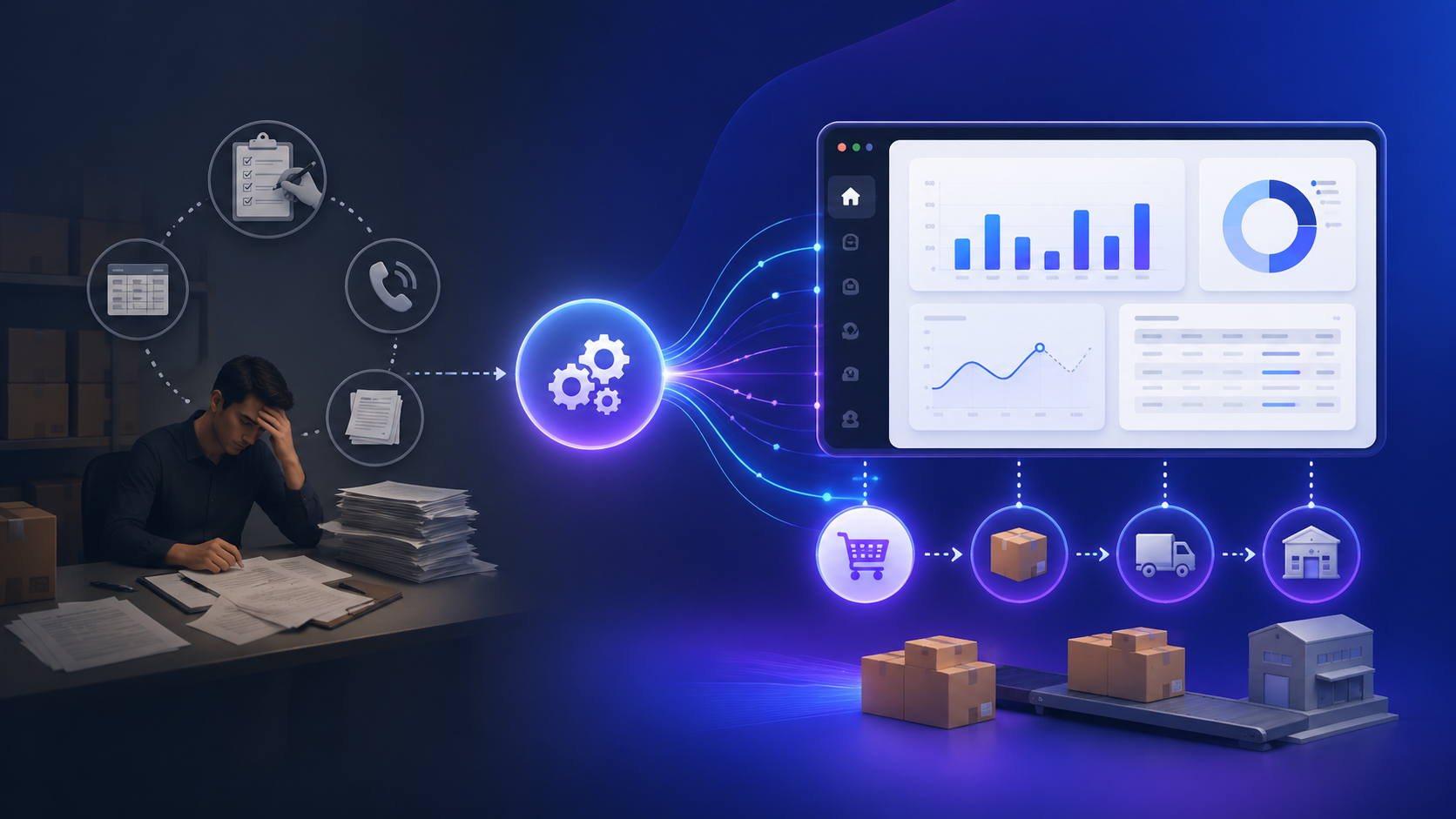
Monitoring Inventory Levels and Automating Purchase Orders with a Custom Web Application
Running a product-based business means constantly balancing stock on hand against demand. When inventory slips below a safe level, teams often pull data from spreadsheets, email threads, or disconnected systems—then manually draft purchase orders. This creates delays, introduces errors, and increases the risk of stock-outs.
The business problem
Most small-to-medium operations rely on spreadsheets, basic accounting tools, or eCommerce dashboards. These tools can track quantities but typically lack:
- Real-time visibility across multiple warehouses or sales channels.
- Automated alerts when stock falls below a threshold.
- A reliable way to generate supplier-ready purchase orders.
As a result, teams repeatedly:
- Manually compare reports from multiple sources.
- Re-enter data when creating purchase orders.
- Double-check supplier details, pricing, and quantities.
This leads to wasted time, operational friction, and missed sales opportunities.
Why generic tools fall short
Off-the-shelf inventory systems are optimized for general use cases. They often struggle with:
- Custom replenishment logic (e.g., lead times, seasonality).
- Supplier-specific formats (PDF layouts, CSV schemas, API payloads).
- Unified dashboards combining Shopify, POS, and ERP data.
Adding plugins or integrations usually results in brittle workflows that are difficult to maintain.
Architecture overview
A typical custom solution can be structured as follows:
- Backend API: Laravel or Node.js handles inventory aggregation, business logic, and order generation.
- Data sources: MySQL, Supabase, or external APIs (Shopify, POS, ERP).
- Worker/Queue: Background jobs process threshold checks and generate purchase orders.
- Admin panel: Vue or React dashboard for monitoring, approvals, and overrides.
- Delivery layer: Email (PDF), CSV export, or direct supplier API integration.
Data flow (simplified):
- Fetch inventory from multiple sources.
- Normalize and store in a central database.
- Run threshold checks via scheduled jobs.
- Generate purchase orders.
- Send to supplier or surface in dashboard for approval.
How custom development solves it
A tailored system centralizes the workflow:
- Aggregates real-time inventory data.
- Applies per-product threshold and safety stock rules.
- Automatically generates purchase orders.
- Delivers orders via PDF, email, or API.
- Provides a dashboard for approval and tracking.
Implementation example (Laravel Job)
Below is a simplified Laravel job that checks inventory and generates a purchase order payload:
// app/Jobs/GeneratePurchaseOrders.php

class GeneratePurchaseOrders implements ShouldQueue
{
    public function handle()
    {
        $items = Inventory::with('supplier')->get();

        foreach ($items as $item) {
            if ($item->quantity <= $item->reorder_point) {

                $orderQty = ($item->reorder_point - $item->quantity) + 1;

                $po = PurchaseOrder::create([
                    'supplier_id' => $item->supplier_id,
                    'sku' => $item->sku,
                    'quantity' => $orderQty,
                    'unit_price' => $item->supplier->price_for($item->sku),
                    'status' => 'pending'
                ]);

                // Optional: dispatch PDF generation job
                GeneratePurchaseOrderPdf::dispatch($po);
            }
        }
    }
}
This job can run on a schedule (e.g., every hour) and push results into a dashboard or directly to suppliers.
Technology trade-offs
- Laravel vs Node.js: Laravel offers faster development for CRUD + queues; Node.js is better for real-time streaming or event-driven systems.
- PDF generation: Laravel (Snappy/DomPDF) vs Node (Puppeteer). Puppeteer gives better rendering but higher resource usage.
- Delivery method:
- Email (simple, universal)
- API (faster, automated)
- CSV (legacy supplier systems)
Case insight
In a recent implementation for a retail client managing multiple SKUs across two warehouses, manual PO creation took 2–3 hours daily. After automating threshold checks and PO generation:
- Time spent dropped to under 15 minutes/day.
- Stock-outs decreased significantly.
- Order accuracy improved due to elimination of manual entry.
Next steps (practical approach)
- Audit data sources: Identify where inventory and sales data live.
- Define rules: Start with simple reorder points before adding dynamic logic.
- Build MVP:
- Single inventory source
- Basic threshold check
- Simple PO JSON output
- Validate with users: Ensure outputs match real operational needs.
- Iterate: Add PDF generation, approvals, and integrations.
Final thoughts
Automating inventory monitoring and purchase-order creation removes repetitive work, reduces errors, and improves responsiveness to demand. A custom system gives full control over logic, integrations, and scalability.
Want to prototype this for your business? Start with a small MVP or reach out to discuss a proof-of-concept tailored to your workflow.